 mymemo
Personal notes, spoken
Say it once.
It’s filed.
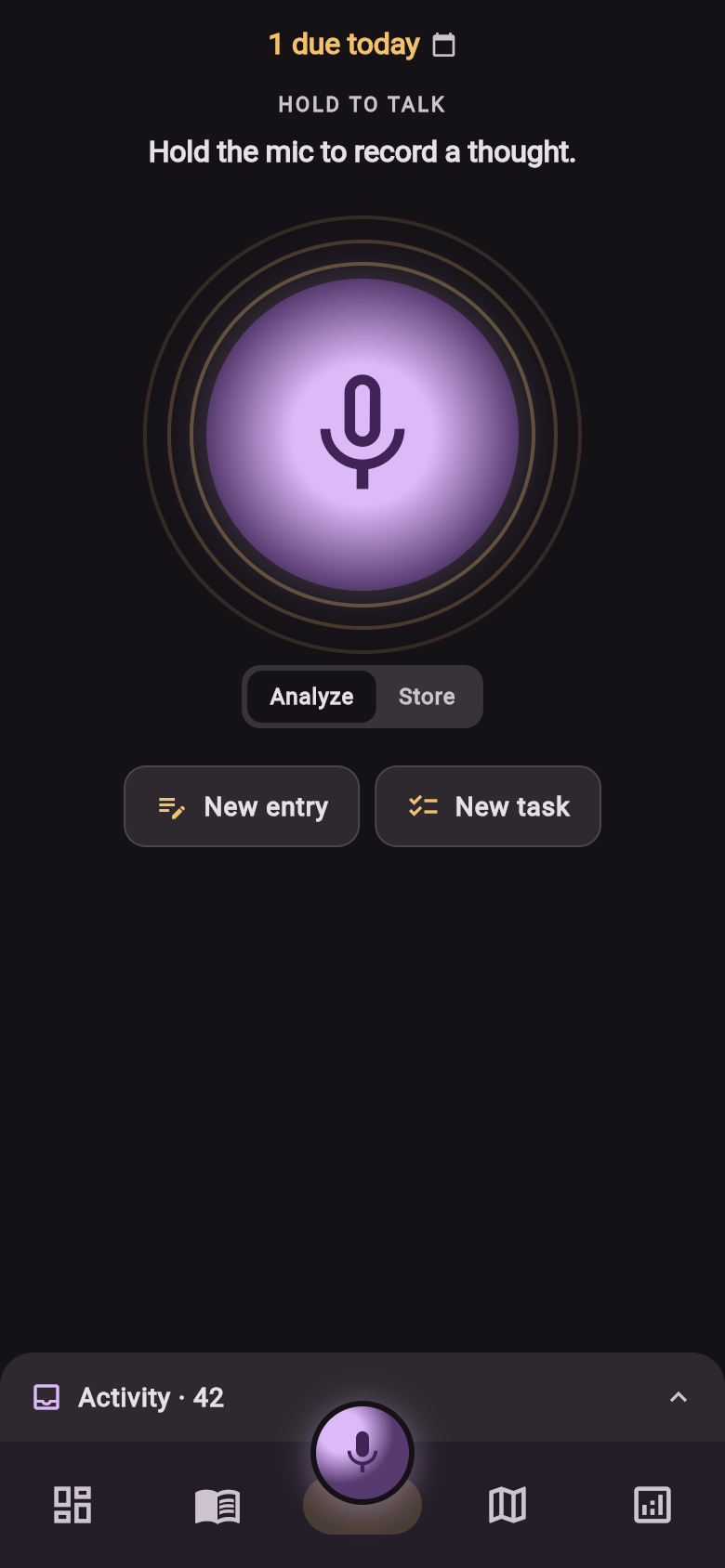
Hold the mic, speak a thought, let go. mymemo transcribes it, works out whether it was a note, a task or a cost, and files it on the right day under the right category. You confirm — or let Quick draft file it and move on.
Free to start, no card. Eight languages.
The web app is built for a larger screen. Capturing on the go? Use the mymemo app on your phone instead.
Three reasons
Written notes are work. Spoken ones aren’t.
-
01
Speech in, structure out
Speak the way you’d speak to a person. What comes back is a real entry — title, date, category, amount, place — shown to you for one tap of approval. Wrong guess? Edit the row, or open the full form prefilled with what you said. In a hurry? Quick draft skips the questions and saves straight to a draft you can sort later.
-
02
One timeline — photos, files, the lot
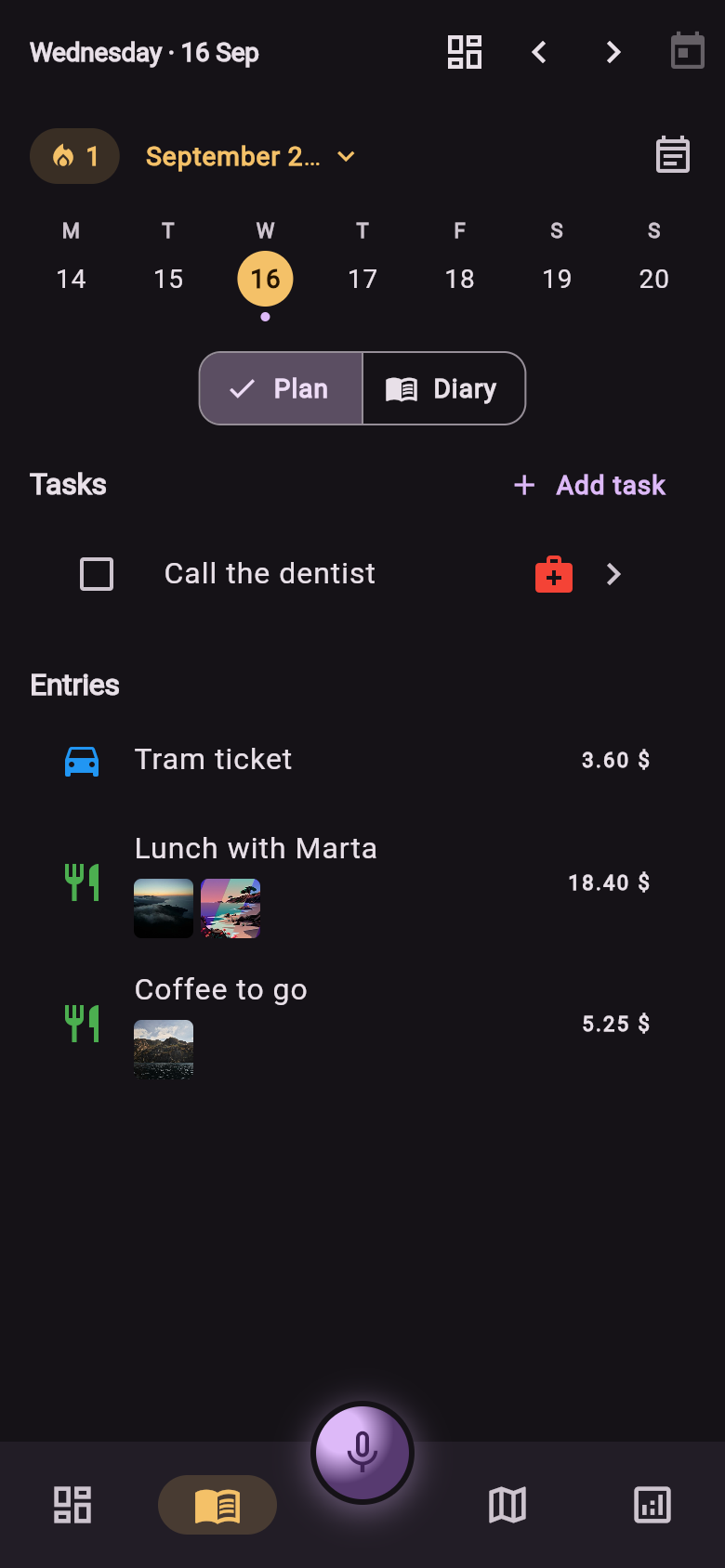
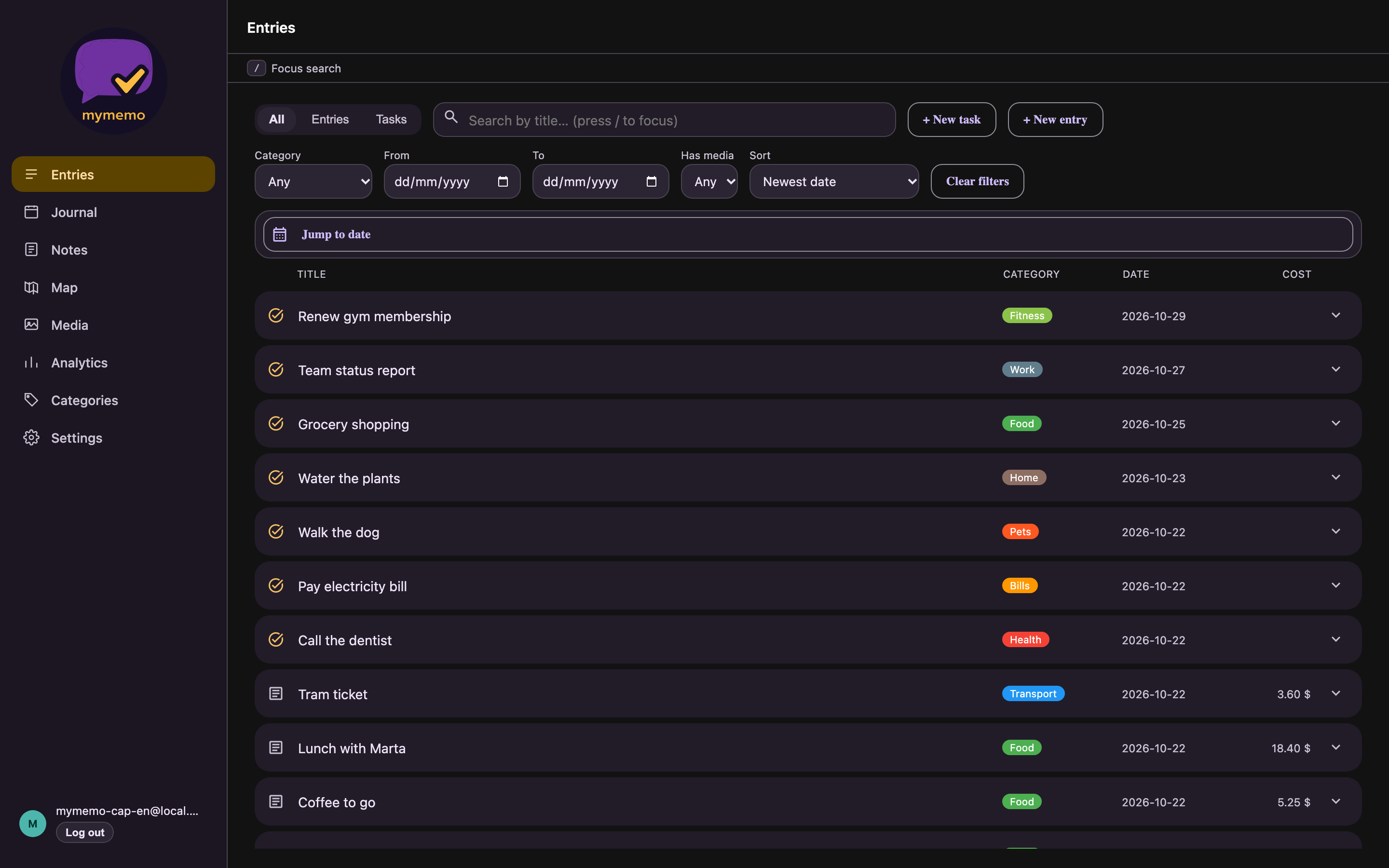
Entries, tasks with reminders, and anything you attach — photos, videos, files — land on the same day view. Browse every attachment in one gallery, search across entries, filter by category, jump to any date. Recorded with no signal? The clip waits in a queue and goes up when you’re back online.
-
03
Your notes add up
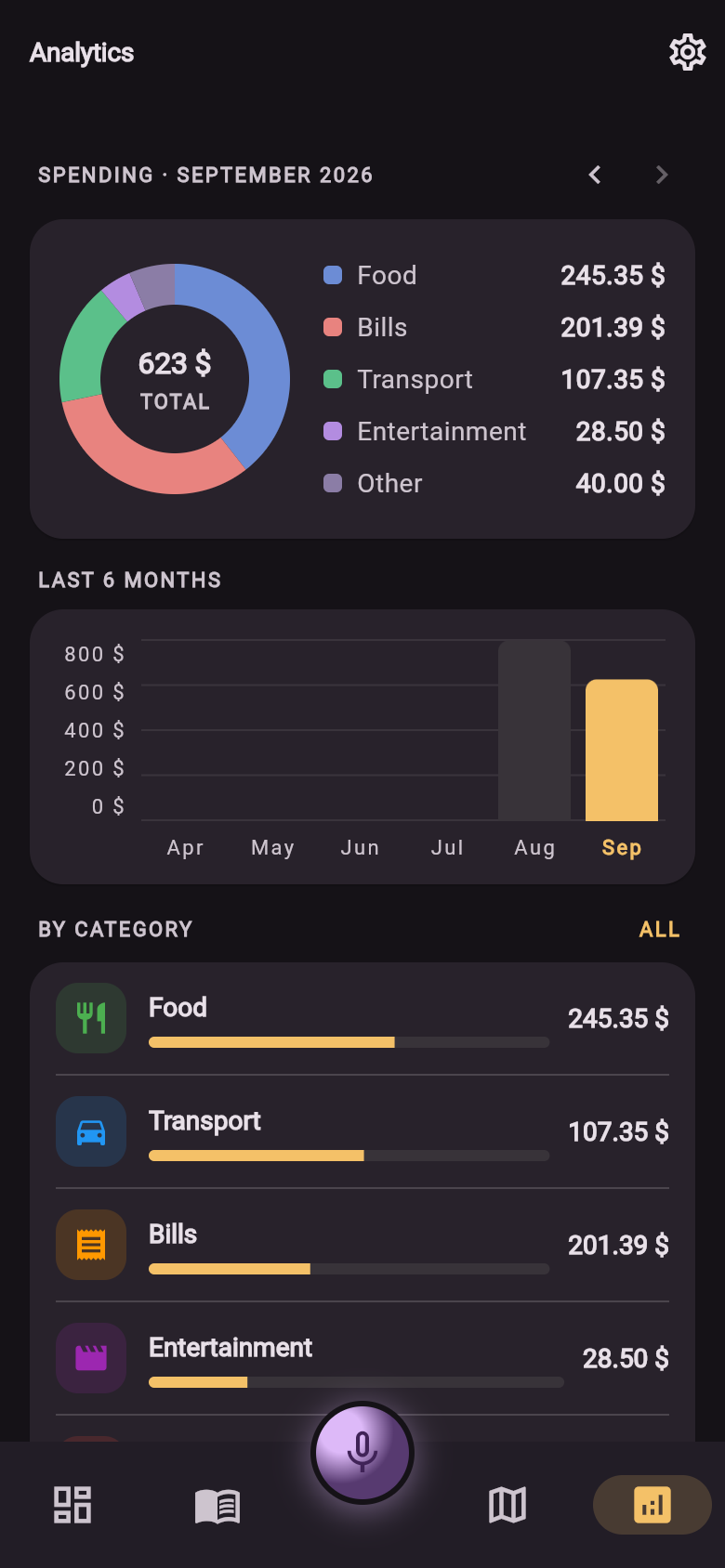
Because costs arrive as fields and not as prose, the spending you mention out loud becomes a monthly overview: totals by category, budgets you set, six months of trend. No spreadsheet, no second app, no re-typing.
On your desk
Capture on your phone. Work with it in your browser.
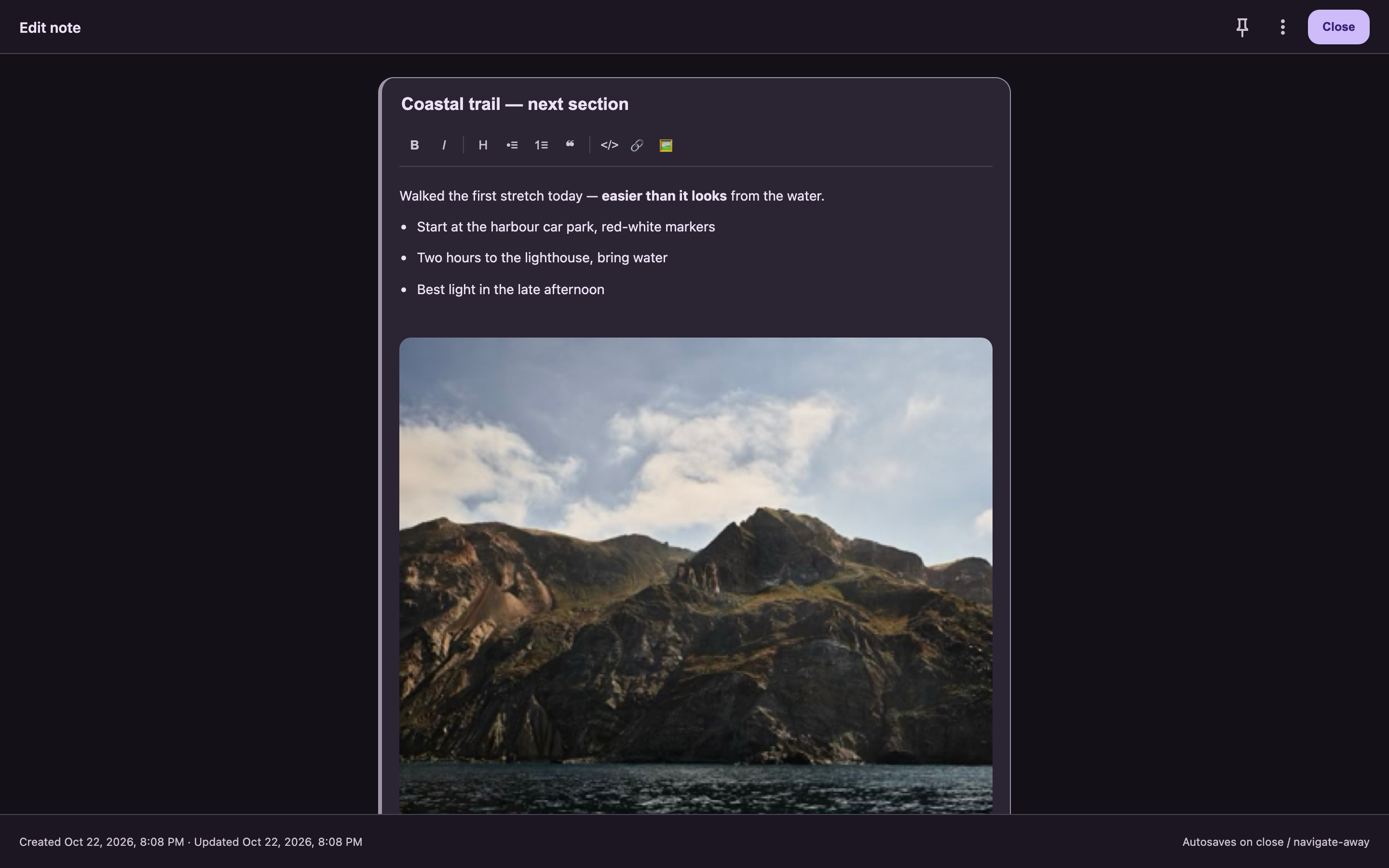
web.mymemo.cloud puts the same journal on a big screen: review your days, edit entries, write longer notes, and paste images or files straight into them. Everything syncs with the app.
Your data
Yours to keep. Yours to take. Yours to delete.
No ads, no selling, and your notes are never used to train AI models. Export everything whenever you like, and delete your account yourself — in the app or on the web. Stored in the EU.
Read the privacy policyStart now
Your next thought doesn’t need typing.
Make an account, pick your categories, and say the first thing on your mind.
Built for desktop. On your phone, use the mymemo app instead.